
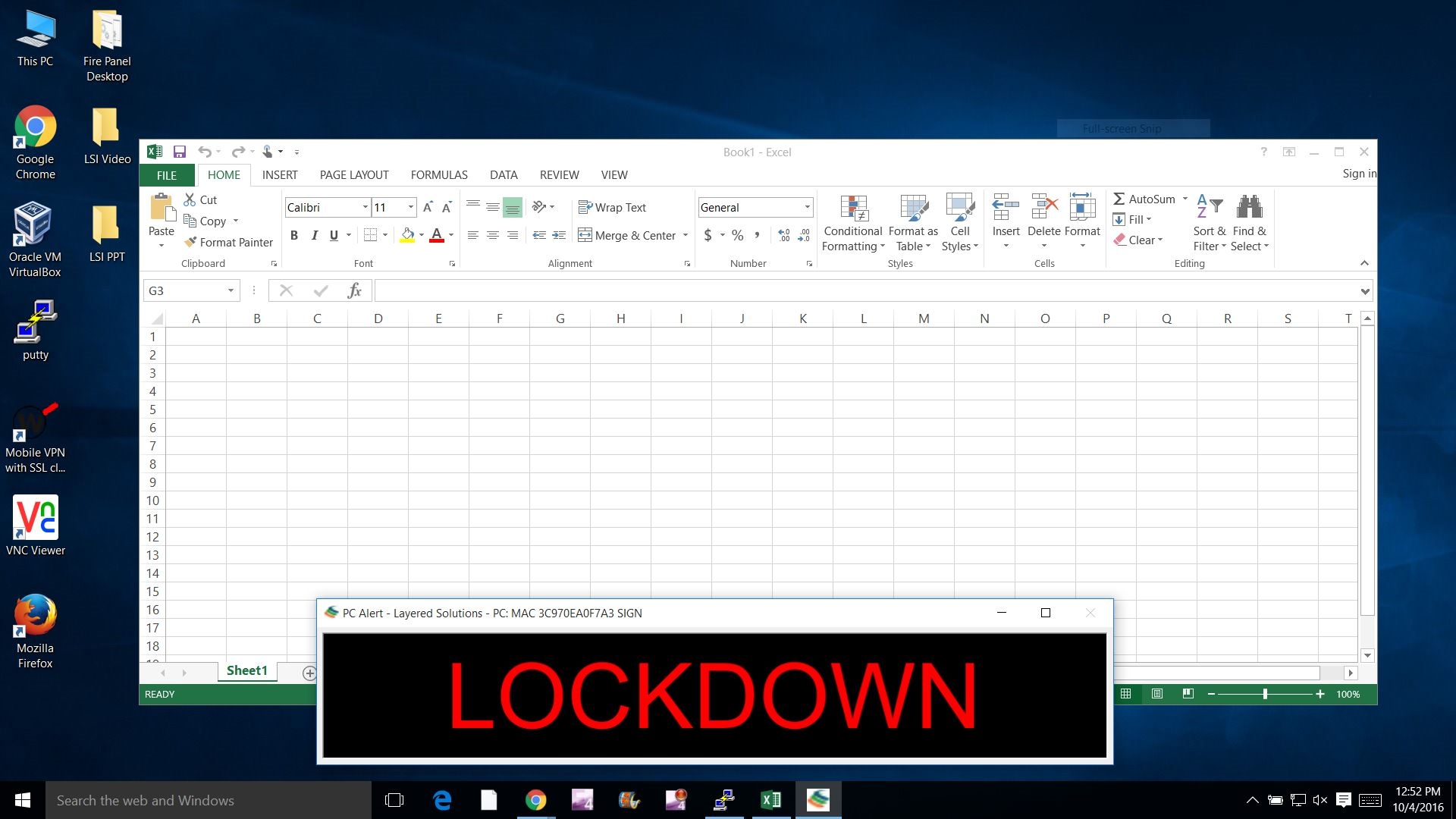
Instructions for installing PC Alert on your computer.

Windows Instructions

Add to any virus protection overrides for the programs smmon.exe, smsign.exe and smupdate.exe.

During setup you will be prompted for the name and IP address of the server.

When prompted enter WINRSH_SERVER 192.168.1.8


Click on PCAlert.exe and run it.


For automated installs run PCAlert.exe /silent /server="192.168.1.8" to auto insert the configuration values.


Note: Virus protection override may be needed for smmon.exe smsign.exe and smupdate.exe

MAC ARM64 Instructions

During setup you will be prompted for the name and IP address of the server.

When prompted enter WINRSH_SERVER 192.168.1.8


Click on PCAlert.exe and run it.

MAC X86_64 Instructions

During setup you will be prompted for the name and IP address of the server.

When prompted enter WINRSH_SERVER 192.168.1.8


Click on MACPCAlert.pkg and run it.